Check your agent setup in GitHub pull requests
You can now check your repository’s AI coding-agent skills and configuration directly in GitHub pull requests.
Our free SkillTrust GitHub Action scans supported skills, project instructions, permissions, hooks, and MCP configuration for known risk patterns. Findings appear in the workflow’s Job Summary and, for same-repository pull requests, in a comment that updates as you make changes.
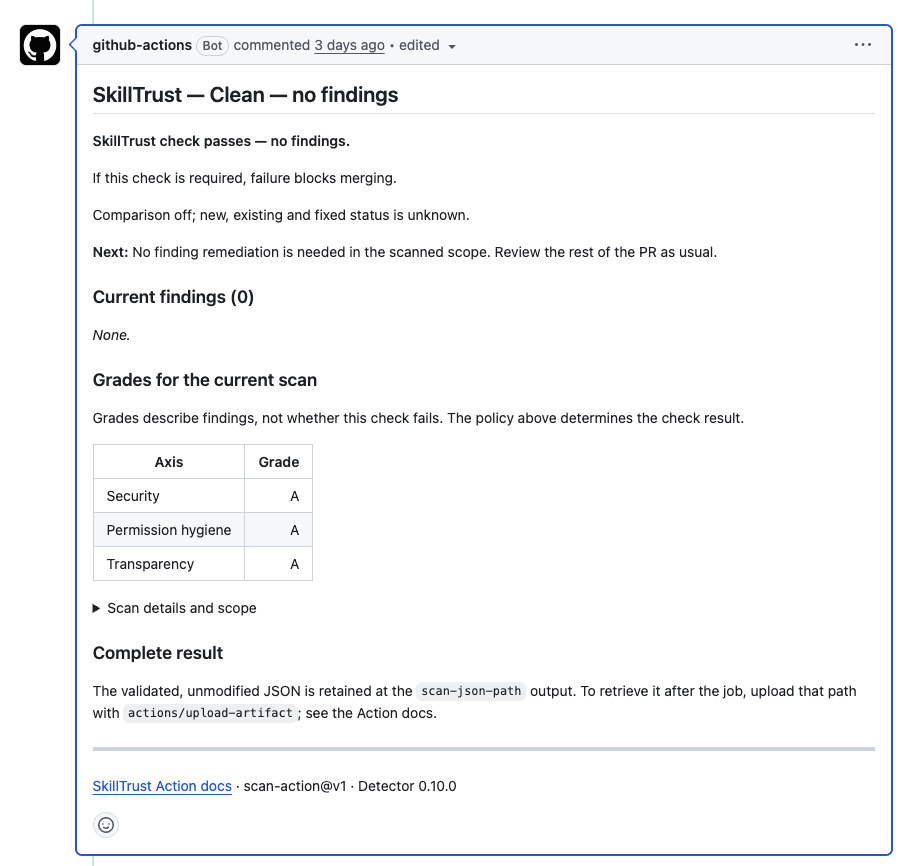
Example SkillTrust report in a GitHub pull request. This test run scanned a clean fixture and found no issues.
Start in report-only mode to review findings without blocking your workflow, then enable blocking when you’re ready. The checks run in your GitHub runner without executing the files they scan. No SkillTrust account is required.